
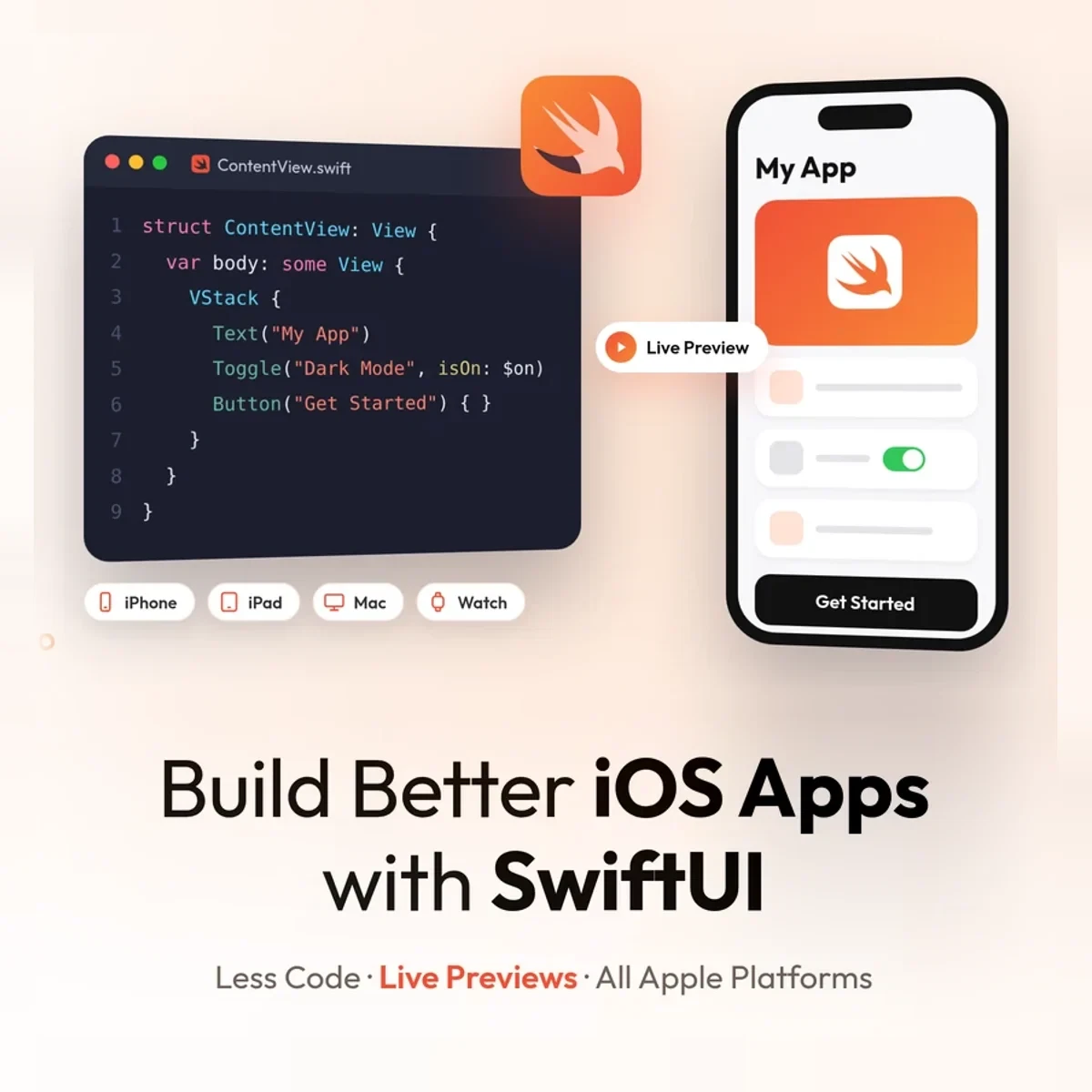
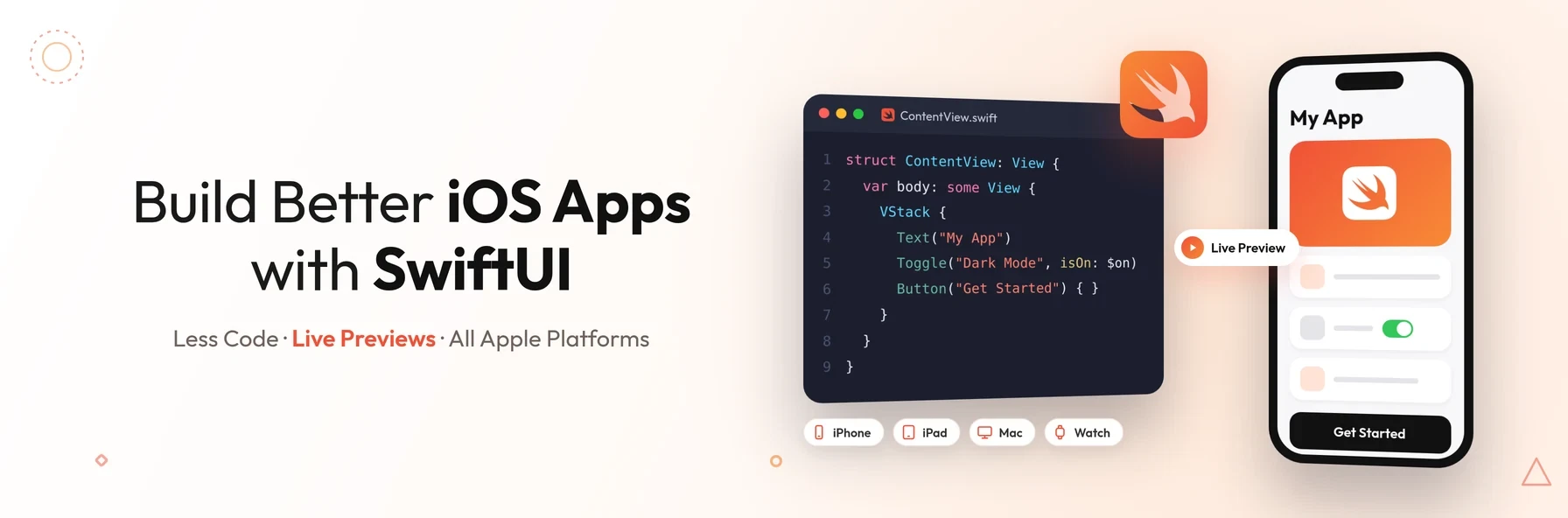
In short: SwiftUI is Apple's modern framework for building app interfaces with the Swift programming language. It lets developers describe what the interface should look like, then keeps it updated automatically as data changes. Its main advantages are less code, live previews in Xcode, built-in accessibility and Dark Mode support, and one framework across all Apple platforms.
When Apple introduced SwiftUI at its Worldwide Developers Conference (WWDC) in 2019, it marked the biggest change to building Apple app interfaces in over a decade. Early versions had gaps and rough edges. Since then, SwiftUI has matured into Apple's recommended way to build new interfaces across iPhone, iPad, Mac, Apple Watch, Apple TV and Apple Vision Pro.
This guide explains what SwiftUI is, the main reasons to choose it, its limitations, and how it compares with UIKit and cross-platform options such as Flutter. It then covers when SwiftUI is the right choice for your app.
What Is SwiftUI?
SwiftUI is a declarative user interface (UI) framework from Apple. Instead of writing step-by-step instructions to create and update every screen element, developers describe what the interface should look like for a given state. SwiftUI then updates the screen automatically whenever the underlying data changes.
SwiftUI is written in Swift, the programming language Apple introduced in 2014 and made open source in 2015. Swift is designed to be safe, fast and readable, and it is the main language for modern iPhone, iPad and Mac development.
It is worth separating the two:
- 01Swift is the programming language.
- 02SwiftUI is the framework for building app interfaces with Swift.
- 03UIKit is Apple's older, imperative framework for iOS interfaces, which is still widely used and fully supported.
Advantages of SwiftUI
1. Less code, faster development
SwiftUI's declarative syntax often needs far less code than UIKit to build the same screen. Common elements such as lists, forms, navigation and layouts take only a few lines. Less code means faster development, fewer bugs and easier maintenance.
2. Live previews while you build
Xcode previews show SwiftUI screens updating as code is written, without running the full app each time. Developers can preview the same screen in different devices, Dark Mode, text sizes and languages side by side.
Swift also offers an interactive learning and prototyping environment through Swift Playgrounds and Xcode playgrounds, where small pieces of code run instantly.
3. One framework across Apple platforms
The same SwiftUI skills and much of the same code work across iOS, iPadOS, macOS, watchOS, tvOS and visionOS. Some Apple features are built specifically around SwiftUI. Home Screen widgets, for example, are built with SwiftUI.
4. Automatic state management
SwiftUI ties the interface directly to the app's data. When data changes, the affected parts of the screen update automatically. This removes a whole category of bugs where the interface and the data fall out of step.
5. Accessibility, Dark Mode and localisation built in
Standard SwiftUI controls support key accessibility features such as VoiceOver and Dynamic Type, as well as Dark Mode and right-to-left languages, with little or no extra work. This makes it easier to build apps that work well for every user.
6. Simple, smooth animations
Animations and transitions that once needed considerable code in UIKit can often be added with a single modifier. This makes polished, modern interactions faster to build.
7. Works alongside UIKit
SwiftUI and UIKit work together. Existing UIKit apps can adopt SwiftUI gradually, screen by screen, and SwiftUI apps can use UIKit components where needed. Businesses with existing iOS apps do not have to rewrite everything at once.
8. A complete language for real work
Swift and SwiftUI are not "learning" tools that you outgrow. They are the same professional technologies used to build production apps on the App Store. Beginners can start with simple, readable code and learn advanced concepts later, without switching languages to do "real work".
Limitations of SwiftUI to Consider
SwiftUI is mature and widely used, but it still has trade-offs:
- 01Apple platforms only. SwiftUI apps run only on Apple devices. If you also need an Android app, you need a separate Android app or a cross-platform framework.
- 02Newer features need newer operating systems. Each year's SwiftUI improvements usually require recent iOS versions, which can limit apps that must support older devices.
- 03Some advanced customisation still needs UIKit. Highly specialised interfaces or edge cases may need UIKit components alongside SwiftUI.
- 04A learning curve for advanced concepts. Swift includes powerful features, such as generics, protocols and concurrency, that take time to master.
- 05Debugging can be harder. Because SwiftUI manages much of the interface automatically, compiler errors and layout issues can sometimes be harder to interpret than in UIKit.
SwiftUI vs UIKit vs Flutter
| Factor | SwiftUI | UIKit | Flutter |
|---|---|---|---|
| Approach | Declarative | Imperative | Declarative |
| Language | Swift | Swift or Objective-C | Dart |
| Platforms | Apple platforms | iOS, iPadOS and tvOS (with Mac Catalyst for macOS) | iOS, Android, web and desktop |
| Amount of code | Low | Higher | Low |
| Live previews | Yes, in Xcode | Limited | Hot reload |
| Access to the newest Apple features | Immediate | Immediate | Usually via plugins or native code |
| Best for | New native Apple apps | Existing apps and highly custom interfaces | One app for both iOS and Android |
If your app needs to run on both iOS and Android from one codebase, see our guide on why choose Flutter for iOS and Android app development.
When Is SwiftUI the Right Choice?
SwiftUI is usually the best choice when:
- you are building a new app for iPhone, iPad or other Apple devices
- you want the best possible native experience and immediate access to new Apple features
- you plan to support widgets, Apple Watch or Apple Vision Pro
- your users are mostly on recent iOS versions
UIKit, or a mix of UIKit and SwiftUI, may be better for large existing UIKit apps, highly specialised interfaces, or apps that must support much older iOS versions. A cross-platform framework such as Flutter may be better if you need Android and iOS apps on a tighter budget.
For planning beyond the first release, our article From MVP to Enterprise: How Great Software Evolves as Your Business Grows explains how app architecture needs to evolve as your business grows.
Conclusion
SwiftUI has grown from a promising beta into the modern standard for building apps on Apple platforms. Less code, live previews, automatic state management and built-in accessibility make development faster. It also produces apps that feel truly native on every Apple device.
Its main trade-off is that it is Apple-only, so the right choice depends on whether you need Android as well, which iOS versions you must support, and how complex your interface is.
Planning an iOS app or modernising an existing one?
Schedule a free consultation with BSP Technologies, and we will help you choose between SwiftUI, UIKit and cross-platform development for your project.
Schedule a Free ConsultationFrequently Asked Questions
SwiftUI is used to build user interfaces for apps on Apple platforms, including iPhone, iPad, Mac, Apple Watch, Apple TV and Apple Vision Pro. Developers use it to create screens, navigation, forms, lists, animations and widgets with less code than older frameworks.
For most new Apple apps, SwiftUI is faster to develop with and needs less code. UIKit remains useful for large existing apps, highly custom interfaces and some advanced features. Many apps use both together, so the right choice depends on the project rather than one being better overall.
Yes. SwiftUI's readable syntax and live previews make it one of the easiest ways to start building Apple apps, and beginners can create useful screens quickly. Swift does include advanced concepts, such as generics and concurrency, but beginners can learn those gradually as their apps grow.
No. SwiftUI only runs on Apple platforms. To reach Android users, you need a separate Android app, typically built with Kotlin, or a cross-platform framework such as Flutter or React Native that builds both iOS and Android apps from one codebase.
Yes. Since its release in 2019, SwiftUI has matured significantly and is now Apple's recommended framework for building new interfaces. It is used in production apps across the App Store, often alongside UIKit for specialised features.