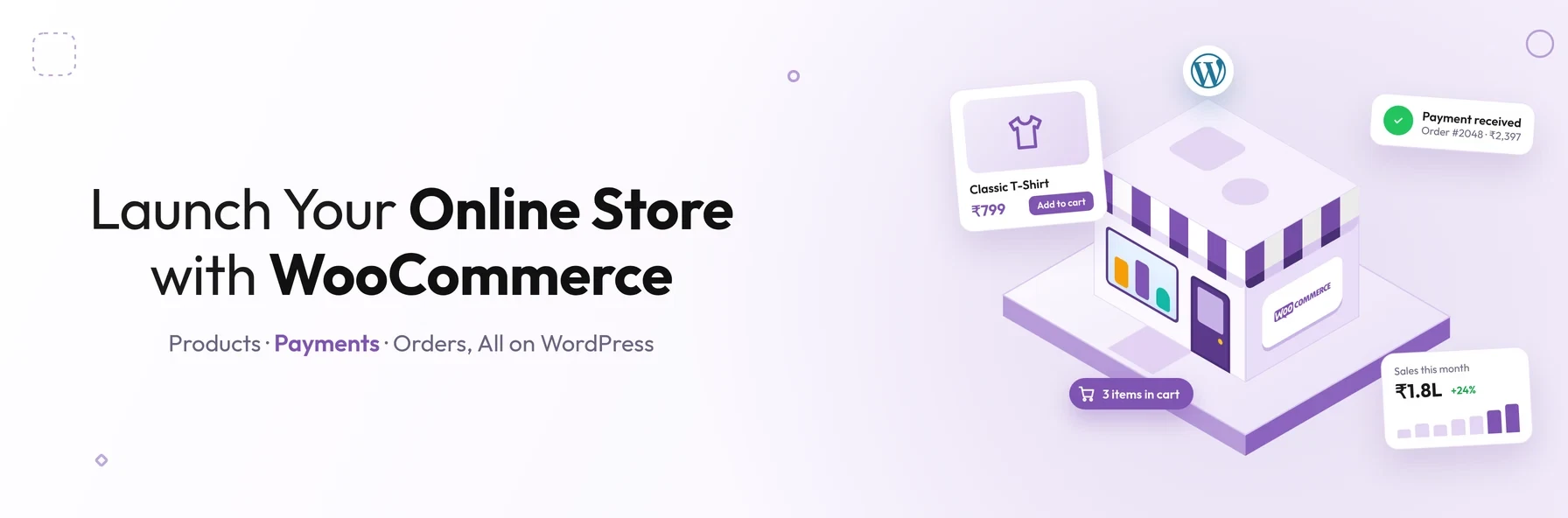
In short: WooCommerce is a free, open-source plugin that turns a WordPress website into a fully featured online store. It lets businesses sell physical, digital and virtual products and accept payments through a wide choice of gateways. Stores can be extended with thousands of themes and extensions. Owners keep full control but manage hosting, updates and security.
Building an online store used to mean months of custom development and a large budget. Today, platforms such as WooCommerce let businesses launch a professional store on WordPress without writing much code, then grow it over time.
Before you start, it helps to understand what WooCommerce can and cannot do, what it really costs, how secure it is, and how it compares with alternatives such as Shopify. This guide answers those questions so you can decide whether WooCommerce is the right platform for your business.
What Is WooCommerce?
WooCommerce is a free, open-source e-commerce plugin for WordPress. It was launched in 2011 by WooThemes, which was acquired by Automattic, the company behind WordPress.com, in 2015. It is now one of the most widely used e-commerce platforms in the world.
Once installed on a WordPress website, WooCommerce adds everything needed to run an online store:
- product listings with prices, images, variations and stock levels
- a basket and checkout
- payment, shipping and tax settings
- customer accounts and order management
- built-in sales and stock reports
It supports several product types, including simple, variable (for example, different sizes or colours), grouped, and external or affiliate products. Products can also be marked as virtual or downloadable for digital goods and services.
Common Challenges When Starting an Online Store
Imagine you are a founder without a technical background, planning to launch an online store. You may not have the budget to hire developers to build a fully custom system, so you need a platform that is affordable, reliable and easy to manage. At this stage, the most common concerns are:
- 01User experience: will the store be easy and enjoyable to use, so customers come back?
- 02Branding: can the store be customised to reflect your brand clearly?
- 03Security: will customers feel safe buying, without risk to their personal or payment information?
- 04Performance tracking: can you measure sales, products and customer behaviour to improve the store?
WooCommerce addresses each of these, as the following sections explain.
How a WooCommerce Store Works
- 01 WordPress website with hosting and a domain
- 02 WooCommerce plugin installed and configured
- 03 Products, prices, stock, shipping and tax set up
- 04 Customers browse, add to basket and check out
- 05 Payment processed through the chosen payment gateway
- 06 Order managed in the WooCommerce dashboard, with reports on sales and stock
8 Advantages of WooCommerce for Online Stores
1. Free and open source
The WooCommerce plugin itself is free to download and use. Being open source means you own your store and your data, can change any part of it, and are not tied to a single provider's platform. This makes it a practical option for businesses with limited budgets that still want room to grow.
2. User-friendly for non-technical teams
WooCommerce uses the familiar WordPress dashboard and includes a setup wizard that guides you through key settings. Once the store is set up, adding products, updating prices and managing orders requires no coding knowledge.
3. Flexible product types
You can sell physical products, digital downloads, virtual services, and external or affiliate products from the same store. Extensions add further options, such as subscriptions, bookings and memberships.
4. A personalised experience for customers
Customers can create accounts to view their order history, save addresses and check out faster. WooCommerce can sit alongside other WordPress content, such as blogs, guides and landing pages, so your store and content marketing work together on one website.
5. Built-in analytics and reporting
WooCommerce Analytics provides reports on revenue, orders, products, categories, coupons, stock and customers, with charts, date comparisons and downloadable data. Many stores also connect Google Analytics for deeper insight into visitor behaviour.
6. A wide choice of payment gateways
WooCommerce is not a payment gateway itself. Instead, it connects to many of them, including WooPayments, Stripe, PayPal and other popular providers. This lets you offer customers card payments, digital wallets and local payment methods, and choose the provider and fees that suit your business.
7. Marketing and social selling integrations
Extensions connect your store to channels such as Google, Facebook, Instagram, TikTok and Pinterest, so products can be promoted and sold where customers spend their time. WordPress also offers strong SEO tools, which help your product and category pages be found in search engines.
8. Extensive customisation and a large ecosystem
WooCommerce works with a wide range of WordPress themes and thousands of extensions. Your store's design, checkout, product pages and features can be tailored to your brand. Developers can extend it further through hooks and the WooCommerce REST API. The platform has extensive documentation, community forums and a large network of developers, so help is easy to find.
Is WooCommerce Secure?
WooCommerce is actively maintained and receives regular security updates. However, as a self-hosted platform, the overall security of your store also depends on how it is managed:
- 01Keep everything updated: WordPress, WooCommerce, themes and extensions should all be kept current.
- 02Choose extensions carefully: use reputable, actively maintained extensions, and remove any you no longer use.
- 03Use quality hosting: choose a host with security monitoring, firewalls and regular backups.
- 04Use HTTPS: an SSL certificate encrypts data between customers and your store.
- 05Use trusted payment gateways: with tokenised or hosted payment fields, card details are handled by the gateway rather than stored on your server.
- 06Protect admin access: use strong passwords and two-factor authentication.
With these practices in place, WooCommerce can be a secure platform for businesses of all sizes.
Limitations of WooCommerce
WooCommerce is powerful, but it is not the right fit for everyone:
- 01You manage the platform. Hosting, updates, backups and security are your responsibility, or your development partner's.
- 02Costs can add up. The plugin is free, but premium themes, extensions, hosting and development all have costs.
- 03Performance needs attention. Large catalogues and high traffic require good hosting, caching and optimisation.
- 04Extensions can conflict. Too many plugins, or poorly built ones, can cause errors or slow the store down.
What Does a WooCommerce Store Cost?
While WooCommerce itself is free, a typical store involves:
- a domain name and web hosting
- a theme, either free or premium
- paid extensions for features such as subscriptions, bookings or advanced shipping
- payment gateway transaction fees
- design and development, if you need a custom design or features
- ongoing maintenance, updates and support
The total depends on your design, features, number of products and level of customisation.
WooCommerce vs Shopify
| Factor | WooCommerce | Shopify |
|---|---|---|
| Platform type | Self-hosted, open-source WordPress plugin | Hosted, subscription-based platform |
| Software cost | The plugin is free; you pay for hosting and extensions | Monthly subscription plans |
| Hosting and updates | Managed by you or your developer | Managed by Shopify |
| Customisation | Very high; full access to the code | High, within Shopify's platform rules |
| Ownership and control | Full control of your store and data | Store runs on Shopify's platform |
| Content and blogging | Excellent, built on WordPress | Good, but less flexible than WordPress |
| Ease of setup | Easy with guidance; more setup choices | Very easy out of the box |
| Best for | Businesses wanting flexibility, ownership and strong content | Businesses wanting a fully managed, simple setup |
How to Set Up a WooCommerce Store: Step by Step
- 01Choose a domain and hosting. Pick a reliable host that is optimised for WordPress and WooCommerce.
- 02Install WordPress and WooCommerce. Then run the WooCommerce setup wizard.
- 03Choose and customise a theme. Make sure it is compatible with WooCommerce and reflects your brand.
- 04Add your products. Include clear descriptions, high-quality images, prices, variations and stock levels.
- 05Set up payments. Connect one or more trusted payment gateways.
- 06Configure shipping and tax. Set delivery zones, rates and tax rules for the regions you sell to.
- 07Add essential legal pages. These include a privacy policy, terms and conditions, a returns policy and cookie consent. In the UK, these support compliance with UK GDPR and the Privacy and Electronic Communications Regulations (PECR).
- 08Test, launch and track. Place test orders, then launch and monitor results with WooCommerce Analytics.
When Should You Bring In a Developer?
Many businesses launch simple WooCommerce stores themselves. A development partner becomes valuable when you need:
- a custom design or unique checkout experience
- integration with ERP, CRM, accounting or stock systems
- performance optimisation for large catalogues or high traffic
- custom features that are not available as extensions
- migration from another e-commerce platform
For example, our article on Odoo e-commerce integration shows how connecting a store to an ERP removes manual work and keeps pricing accurate. If you are unsure whether you need a simple store or something more complex, our guide to website vs web application explains the difference.
Conclusion
WooCommerce makes it possible for businesses of almost any size to launch a professional online store on WordPress without heavy upfront costs. It is free, flexible and backed by a huge ecosystem. In return, you take responsibility for hosting, updates and security, either yourself or through a trusted development partner.
For businesses that value control, customisation and content-led growth, WooCommerce remains one of the strongest e-commerce platforms available.
Planning a WooCommerce store or improving an existing one?
Schedule a free consultation with BSP Technologies, and we will help you build a fast, secure and scalable online store.
Schedule a Free ConsultationFrequently Asked Questions
Yes. The WooCommerce plugin is free and open source. However, running a store usually involves other costs, such as hosting, a domain, premium themes or extensions, and payment gateway fees. Custom design and development add further costs, depending on your requirements.
Neither is better for everyone. WooCommerce suits businesses that want full control, extensive customisation and strong content marketing on WordPress. Shopify suits businesses that want a fully hosted platform where hosting, security and updates are managed for them.
Yes, provided it is set up properly. Large WooCommerce stores need quality hosting, caching, database optimisation and carefully chosen extensions. Many businesses with large catalogues and high order volumes run successfully on WooCommerce with the right technical setup.
Yes. WooCommerce supports downloadable and virtual products out of the box, so you can sell digital files and services. Subscriptions, memberships and bookings can be added through extensions.
WooCommerce can be very secure when it is kept updated and hosted properly. Using trusted payment gateways with tokenised or hosted payment fields means card details are handled by the gateway rather than stored on your website, which reduces risk.