
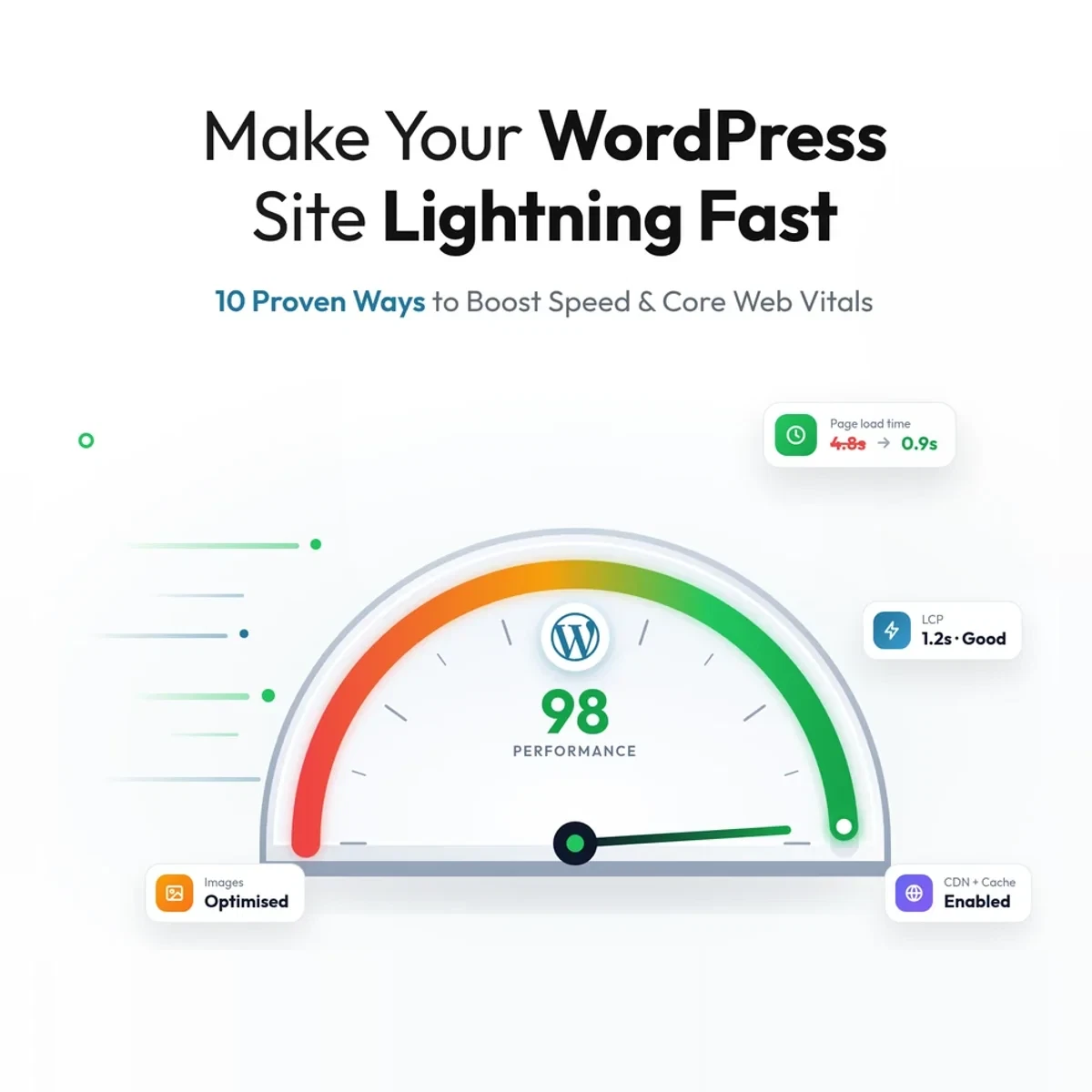
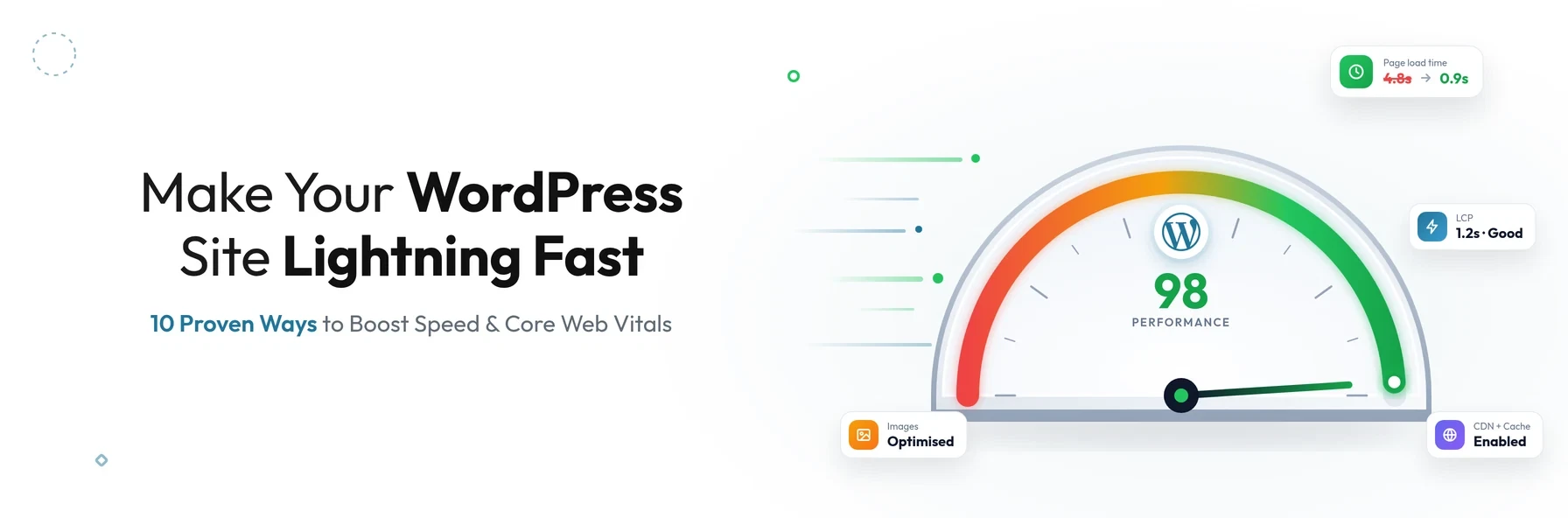
In short: To speed up a WordPress website, start with quality hosting and use caching. Next, compress and resize images and minify CSS and JavaScript. Then choose a lightweight theme, remove unnecessary plugins, use a content delivery network (CDN), keep WordPress and PHP updated, clean up the database, and limit third-party scripts. Measure results with Google PageSpeed Insights and Core Web Vitals.
Is your WordPress website slow to load? A slow website frustrates visitors, damages your brand and costs you enquiries and sales. People expect pages to appear almost instantly. If they have to wait, many will leave before your content even loads.
WordPress is a popular, flexible platform, but its speed depends on how it is hosted, built and maintained. The good news is that most WordPress speed problems can be fixed.
This guide explains how to measure your website's speed and covers 10 proven ways to make it faster. It also explains when it is worth bringing in professional help.
Why WordPress Website Speed Matters
- 01Better user experience: fast pages keep visitors engaged and make your site easier to use, especially on mobile.
- 02More conversions: fewer people abandon your site before enquiring, signing up or buying.
- 03Stronger search visibility: Google's Core Web Vitals, which measure loading, responsiveness and visual stability, form part of its page experience signals.
- 04Better brand perception: a fast, smooth website makes your business look professional and reliable.
How to Measure Your WordPress Website Speed
Before making changes, measure your current performance so you can see what improves. Useful free tools include:
| Tool | What it shows |
|---|---|
| Google PageSpeed Insights | Core Web Vitals scores from real users (where available) and recommendations for mobile and desktop |
| Google Search Console | Core Web Vitals reports across your whole site, based on real-user data |
| GTmetrix | Detailed load times, page size and waterfall charts |
| WebPageTest | In-depth tests from different locations, devices and connection speeds |
| Pingdom Website Speed Test | Simple load time and page size checks |
Google considers a page to have good Core Web Vitals when it meets three thresholds:
- 01Largest Contentful Paint (LCP), which measures loading, is 2.5 seconds or less.
- 02Interaction to Next Paint (INP), which measures responsiveness, is 200 milliseconds or less.
- 03Cumulative Layout Shift (CLS), which measures visual stability, is 0.1 or less.
10 Ways to Speed Up Your WordPress Website
1. Choose high-quality hosting
Your hosting is the foundation of your website's speed. Cheap shared hosting often places hundreds of websites on one server, so your site slows down when others are busy.
When choosing hosting, look for:
- managed WordPress hosting or a well-configured virtual or cloud server
- servers located close to your main audience, such as UK data centres for UK customers
- support for current PHP versions
- server-level caching
- fast storage
- a provider with a strong reputation for WordPress performance and support
Quick tip: if your site is consistently slow even after optimisation, your hosting is often the real bottleneck.
2. Use caching
Caching stores ready-made versions of your pages so WordPress does not have to rebuild them for every visitor. This is one of the most effective ways to speed up a site.
Many managed hosts provide built-in server caching. If yours does not, a caching plugin can help. Popular options include WP Super Cache, W3 Total Cache, LiteSpeed Cache (for LiteSpeed servers) and WP Rocket. Use only one caching solution at a time to avoid conflicts. For dynamic sites and WooCommerce stores, object caching with Redis can also help.
3. Optimise your images
Large, uncompressed images are one of the most common causes of slow WordPress sites. To fix this:
- Resize images to the dimensions they are actually displayed at.
- Compress images to reduce file size without visible loss of quality.
- Use modern formats such as WebP, which are usually much smaller than JPEG or PNG.
- Make use of lazy loading, so images below the visible screen load only when needed. WordPress adds this to images by default.
Image optimisation plugins, such as Smush, ShortPixel, Imagify or TinyPNG, can compress and convert images automatically.
4. Minify and optimise CSS and JavaScript
Minification removes unnecessary spaces, comments and characters from CSS, JavaScript and HTML files, making them smaller and faster to download. It is also worth deferring non-critical JavaScript, so it does not block the page from displaying.
Many caching and performance plugins include minification and script optimisation. Test your site carefully after enabling these features, because aggressive optimisation can occasionally break layouts or functionality.
5. Keep your homepage and pages lean
Think "less is more". Every large image, slider, video, animation and widget adds to the time it takes a page to load. Your homepage should load quickly, show visitors what you offer and guide them clearly to your key pages or offer. A cluttered page full of heavy features slows the site down without helping visitors take action.
Choose a lightweight, well-coded theme. Avoid stacking multiple sliders, page builder add-ons and animations on a single page.
6. Audit and reduce plugins
Every plugin adds code, and poorly built plugins can add database queries, scripts and styles to every page. Quality matters more than the total number of plugins, but unnecessary plugins should still go.
Review your plugins regularly:
- remove anything you no longer use
- replace heavy plugins with lighter alternatives
- avoid installing several plugins that do the same job
7. Use a content delivery network (CDN)
A CDN stores copies of your website's static files, such as images, CSS and JavaScript, on servers around the world. It then delivers them from the location closest to each visitor. This reduces load times, especially for international audiences, and takes pressure off your main server. Some CDNs also add security protection.
8. Keep WordPress, PHP, themes and plugins updated
Newer versions of WordPress and PHP often include significant performance improvements, as well as security fixes. Running an outdated PHP version can make your site noticeably slower and less secure.
Keep WordPress core, your theme and plugins up to date. Make sure your hosting uses a currently supported PHP version, and always back up your site and test updates before applying them to a live website.
9. Clean up your database
Over time, the WordPress database fills up with post revisions, spam comments, trashed items and temporary data known as transients. A bloated database can slow down your website, especially the admin area and dynamic pages.
Regularly remove unnecessary data, limit the number of stored post revisions and optimise database tables. Some performance plugins include database clean-up tools, but always back up first.
10. Limit third-party scripts and optimise fonts
Chat widgets, tracking codes, social media embeds, advertising scripts and external fonts can all slow a page down. Each one adds requests to other servers that you cannot control.
Keep only the scripts that add real value, load them after the main content where possible, and limit the number of font families and weights you use. Hosting fonts locally can also improve speed and give you more control.
Quick Wins vs Advanced Improvements
| Quick wins | Advanced improvements |
|---|---|
| Compress and resize images | Move to better hosting or a cloud server |
| Enable caching | Add object caching with Redis |
| Remove unused plugins | Rebuild heavy pages with a lighter theme |
| Update WordPress, plugins and PHP | Optimise custom code and database queries |
| Remove unnecessary third-party scripts | Set up a CDN and advanced script optimisation |
When Should You Get Professional Help?
Many speed improvements can be done in-house, but professional help is worth considering when:
- your site is still slow after the basic steps
- Core Web Vitals scores remain poor in Google Search Console
- you run a WooCommerce store or a high-traffic website
- your theme or page builder is causing performance problems
- changes keep breaking your layout or functionality
A slow website is often a sign of deeper issues with how it was built. Our article on why companies should not opt for a cheap website explains why. If you run an online store, our WooCommerce on WordPress guide covers how to keep your store fast and secure.
Conclusion
A fast WordPress website keeps visitors engaged, supports your search visibility and helps turn visitors into customers. By choosing quality hosting, using caching, optimising images and code, keeping your site lean and updated, and measuring progress with tools like PageSpeed Insights, you can make a noticeable difference to your website's performance.
Website speed is not a one-time fix. Keep monitoring your site, especially after adding new content, plugins or features.
Is your WordPress website too slow?
Schedule a free consultation with BSP Technologies, and we will help you find what is slowing your site down and how to fix it.
Schedule a Free ConsultationFrequently Asked Questions
The most common causes are slow or overloaded hosting, large unoptimised images, no caching, and too many or poorly built plugins. Heavy themes and page builders, outdated PHP versions, a bloated database and too many third-party scripts also slow sites down. Testing with PageSpeed Insights helps identify the main problems.
A good target is to meet Google's Core Web Vitals thresholds: Largest Contentful Paint (LCP) of 2.5 seconds or less, Interaction to Next Paint (INP) of 200 milliseconds or less, and Cumulative Layout Shift (CLS) of 0.1 or less. Faster is always better for user experience and conversions.
Yes. Google uses Core Web Vitals as part of its page experience signals, so speed can influence rankings. Content relevance and quality remain more important, but a faster site improves user experience, reduces the number of people who leave early and supports better search performance.
The best caching option depends on your hosting. Many managed WordPress hosts include server-level caching, which is often the most effective choice. Otherwise, popular plugins include WP Super Cache, W3 Total Cache, LiteSpeed Cache for LiteSpeed servers, and WP Rocket. Use only one caching solution at a time.
They can, but the quality of the plugins matters more than the number. One poorly built plugin can slow a site more than several well-built ones. Remove plugins you do not use, avoid duplicate functionality, and test your site's speed after installing anything new.