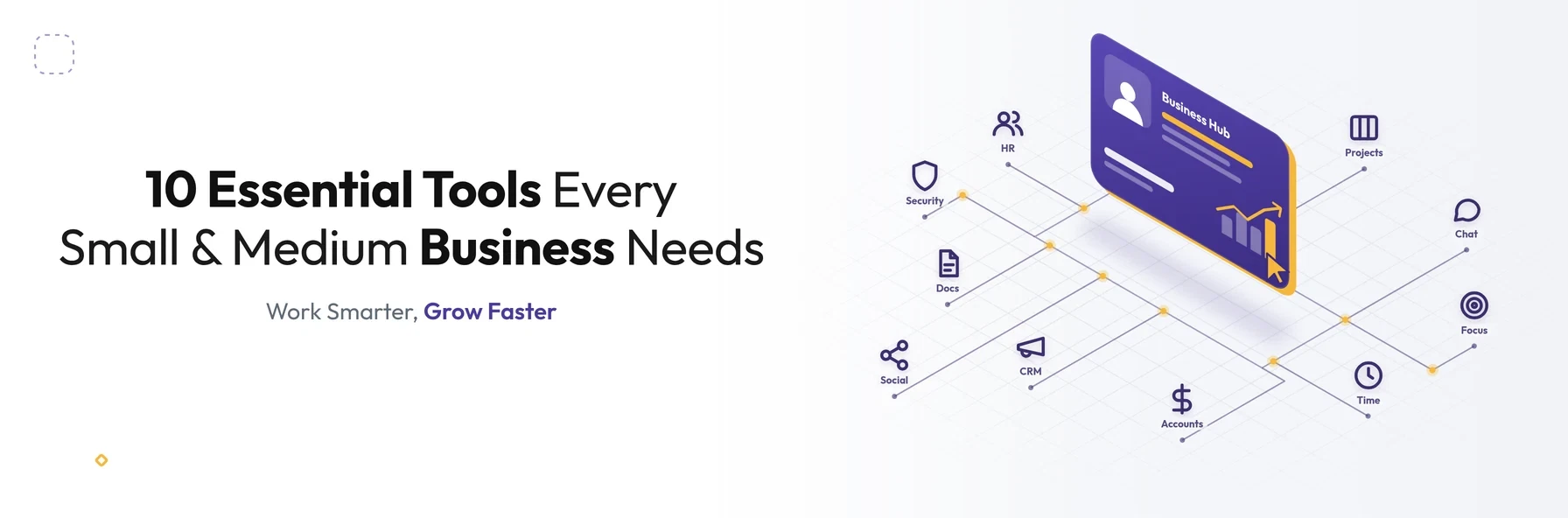
In short: The essential tools for small and medium businesses cover 10 areas: HR, social media management, project management, team communication, focus and productivity, time tracking, accounting and invoicing, CRM, document collaboration, and security. Choose tools that solve real problems, integrate with each other, protect your data and can grow with your business.
Not long ago, a shared document and a spreadsheet were enough to run many small businesses. Today, there is a tool for almost every task, from hiring and payroll to social media, projects, invoices and customer relationships.
The right tools help start-ups operate like established companies and help growing businesses scale without adding unnecessary admin. They save time and money and reduce the stress of managing everyday operations.
The goal is always the same: to spend less time on admin and more time growing the business. This guide covers the 10 types of tools every small and medium-sized enterprise (SME) should consider, with examples of well-known options in each category and what to look for when choosing them.
Note: the tools mentioned below are examples of widely used options, not paid endorsements. Features and pricing change regularly, so always check the latest details with each provider.
Essential Business Tools at a Glance
| Category | What it helps with | Example tools |
|---|---|---|
| HR and people management | Employee records, holidays, onboarding, payroll | BambooHR, Breathe, HiBob |
| Social media management | Scheduling, engagement and reporting | Hootsuite, Buffer, Sprout Social |
| Project management | Tasks, deadlines and team collaboration | Wrike, Asana, Trello, monday.com |
| Team communication | Messaging, calls and meetings | Slack, Microsoft Teams, Zoom |
| Focus and productivity | Blocking distractions | Freedom, built-in focus modes |
| Time tracking | Billable hours and project time | Toggl Track, Harvest, Clockify, Nutcache |
| Accounting and invoicing | Bookkeeping, invoices and tax | Xero, QuickBooks, Sage |
| CRM | Leads, customers and sales pipeline | HubSpot, Pipedrive, Zoho CRM, Salesforce |
| Documents and collaboration | Email, documents and file sharing | Google Workspace, Microsoft 365 |
| Security | Passwords and account protection | 1Password, Bitwarden |
1. HR and People Management Tools
As your team grows, managing employee information, holidays, absences, onboarding and performance on spreadsheets quickly becomes difficult. HR software brings it together in one secure place, and some platforms also handle payroll and benefits.
Examples: BambooHR, Breathe and HiBob. In the US, platforms such as TriNet Zenefits also manage benefits and payroll.
What to look for: support for employment rules in your country, employee self-service, secure storage of personal data, and integration with your payroll provider.
2. Social Media Management Tools
Managing several social media accounts manually is time-consuming. Social media management tools let you schedule posts, reply to messages and comments, and track performance across platforms from one dashboard.
Examples: Hootsuite, Buffer and Sprout Social.
What to look for: support for the platforms your customers use, content scheduling, a unified inbox, reporting, and team approval workflows.
3. Project Management and Collaboration Tools
Project management tools keep tasks, deadlines, files and discussions in one place. Everyone knows what they are working on, and managers can see progress at a glance. Shared workspaces make it easier to set priorities, allocate work and track ad hoc requests.
Examples: Wrike, Asana, Trello and monday.com.
What to look for: flexible views such as lists, boards and timelines, task dependencies, file sharing, and integrations with your communication tools.
4. Team Communication Tools
Email alone is not ideal for quick questions and team updates. Team communication tools provide instant messaging, channels for projects or departments, and video calls. This is especially valuable for remote and hybrid teams.
Examples: Slack, Microsoft Teams and Zoom.
What to look for: organised channels, search, video meetings, and integrations with your project management and document tools.
5. Focus and Productivity Tools
Constant notifications from social media, news sites and apps can make it hard to concentrate. Focus tools block distracting websites and apps for set periods, helping you and your team protect time for important work.
Examples: Freedom, which works across Windows, macOS, Android and iOS, and the built-in focus modes on most modern phones and computers.
What to look for: scheduled focus sessions, cross-device syncing, and flexible blocking rules.
6. Time Tracking Tools
Tracking billable hours accurately is essential for agencies, consultants and any business that charges by time, especially when team members switch between projects. Time tracking tools record time with a click, show where hours are spent, and help prepare accurate client invoices.
Examples: Toggl Track, Harvest, Clockify and Nutcache. Some, such as Nutcache, also combine time tracking with project management, expenses and invoicing.
What to look for: one-click timers, billable rates by project or client, detailed reports, and integration with your invoicing or project management tools.
7. Accounting and Invoicing Tools
Cloud accounting software simplifies bookkeeping, invoicing, expenses and financial reporting. It also connects directly to your bank feeds. For UK businesses, it is important to choose software that supports HMRC's Making Tax Digital requirements.
Examples: Xero, QuickBooks and Sage.
What to look for: Making Tax Digital compatibility (for UK businesses), automatic bank feeds, online invoicing and payments, and access for your accountant.
8. Customer Relationship Management (CRM) Tools
A CRM stores every lead, customer, conversation and deal in one place, so nothing falls through the cracks. It helps you follow up on time, understand your sales pipeline and give customers a more personal experience.
Examples: HubSpot, Pipedrive, Zoho CRM and Salesforce.
What to look for: ease of use for your sales team, pipeline tracking, email integration, automation, and reporting.
9. Document and Collaboration Suites
An office suite is the foundation of most businesses' digital work: email, calendars, documents, spreadsheets, presentations and file storage, all accessible from anywhere.
Examples: Google Workspace and Microsoft 365.
What to look for: real-time collaboration, secure file sharing, admin controls, and compatibility with the formats your clients use.
10. Password Management and Security Tools
SMEs are frequent targets for cyber attacks, and weak or reused passwords are a common way in. Password managers generate and store strong passwords and share access securely within teams. Two-factor authentication (2FA) adds an extra layer of protection.
Examples: 1Password and Bitwarden.
What to look for: team sharing, 2FA support, and admin controls for adding and removing users. UK businesses can also consider the government-backed Cyber Essentials scheme to strengthen their basic security.
How to Choose the Right Tools for Your Business
With so many options, it is easy to end up with too many tools that do not work well together. Before choosing, consider:
- 01The problem you are solving. Start with a clear business need, not a popular tool.
- 02Ease of use. If your team will not adopt a tool, it will not deliver value.
- 03Integrations. Tools that share data automatically save time and reduce errors.
- 04Data protection. Check where data is stored and whether the provider supports UK GDPR and EU GDPR compliance.
- 05Total cost. Per-user subscriptions add up as your team grows.
- 06Scalability. Choose tools that can grow with your business.
Avoid Tool Overload
Too many disconnected tools can create as much work as they save. Teams end up copying data between systems, switching between apps and paying for overlapping features. Review your tools regularly, remove what you do not use, and connect the rest wherever possible.
When off-the-shelf tools no longer fit your processes, or you are spending hours moving data between them, a custom platform or integration may be the better option. Our article on Odoo e-commerce integration shows how connecting systems removes manual work. Our guide What Is SaaS? explains when to buy software and when to build your own.
Conclusion
The right tools help small and medium businesses save time, reduce admin and work more efficiently. Each tool has a specific purpose. Once you know how to use it well, you become far more productive and better able to focus on growth.
Be selective. Choose the tools that genuinely help your business, connect them wherever possible, and avoid being overwhelmed by too many apps.
Struggling with disconnected tools or manual workarounds?
Schedule a free consultation with BSP Technologies, and we will help you streamline your systems or build a solution that fits the way your business works.
Schedule a Free ConsultationFrequently Asked Questions
Most small businesses need tools for accounting and invoicing, document collaboration, team communication, customer relationship management and security. As they grow, HR, project management, time tracking and social media management tools become increasingly valuable. The right mix depends on your industry, team size and goals.
There is no single best option. Asana and Trello are popular for their simplicity, while Wrike and monday.com offer more advanced features for growing teams. The best choice depends on how your team works, the size of your projects and the other tools you need it to connect with.
Free plans can be a good starting point for very small teams and simple needs. As a business grows, paid plans usually offer more users, storage, security features, integrations and support. Always check data protection and security features, not just the price.
Start with the core problems you need to solve, and choose tools that cover several needs or integrate well. Review your subscriptions regularly, remove tools you no longer use, and connect the rest so data flows automatically between them instead of being copied by hand.
Custom software is worth considering when off-the-shelf tools do not fit your processes and your team spends significant time on manual workarounds. It also makes sense when you are paying for several overlapping subscriptions, or when your software could give you a competitive advantage.